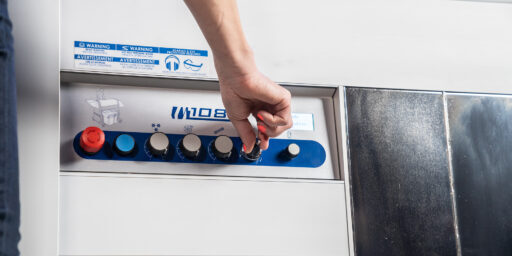
M108S Trimmer Tandem Setup
Mobius M108S Trimmers
Tandem Setup
Steps to Setup your Trimmers into Tandem
Step by Step Tandem Setup
01

Locate the tandem locks on the side of the M108S machine. You can access them by unscrewing the end cap screw to remove the side panel.
02
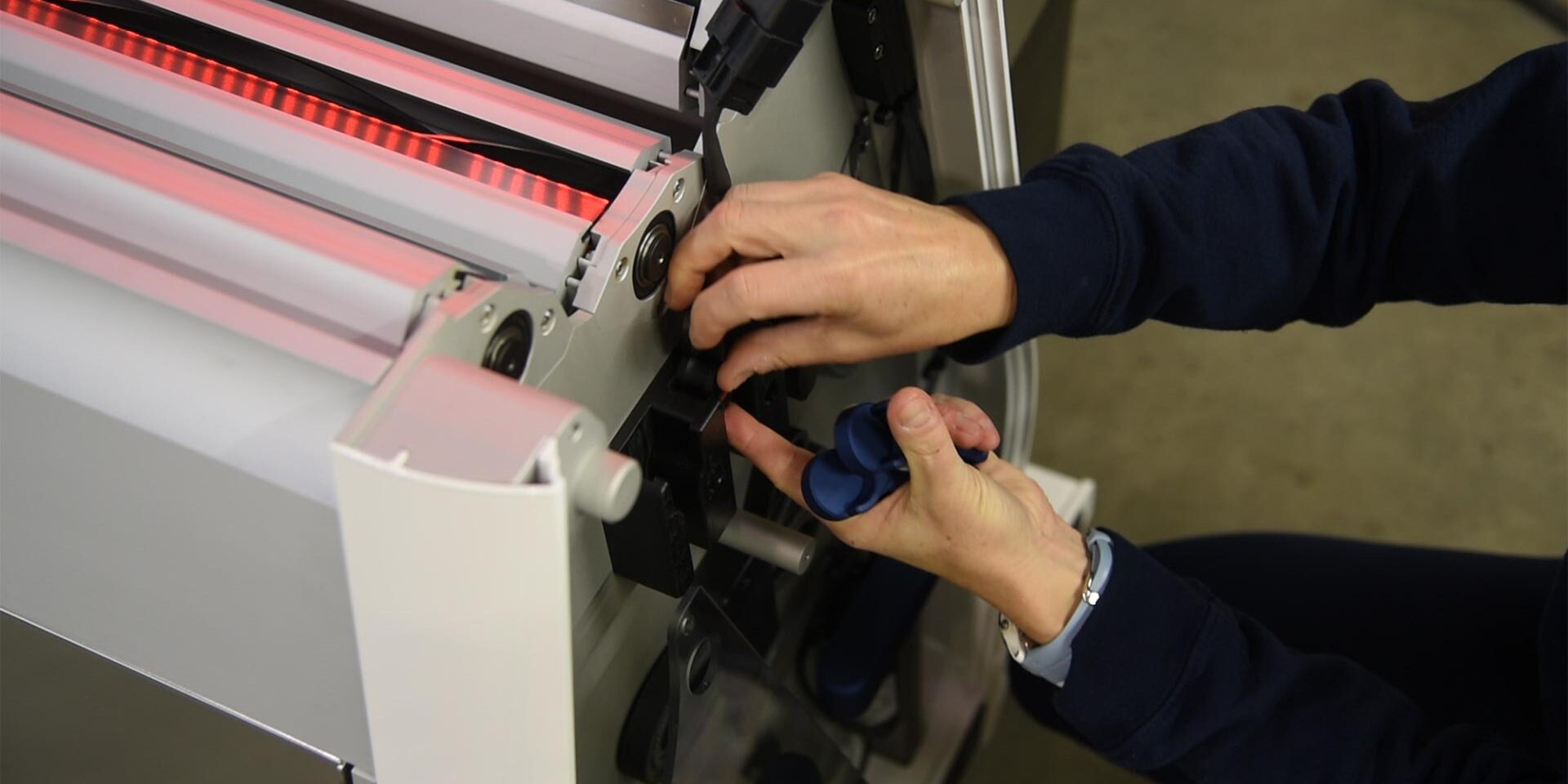
The tandem locks and sensor override pucks are located in a holder located near the top of the machine. Retrieve them and replace the side panel of the machine.
03
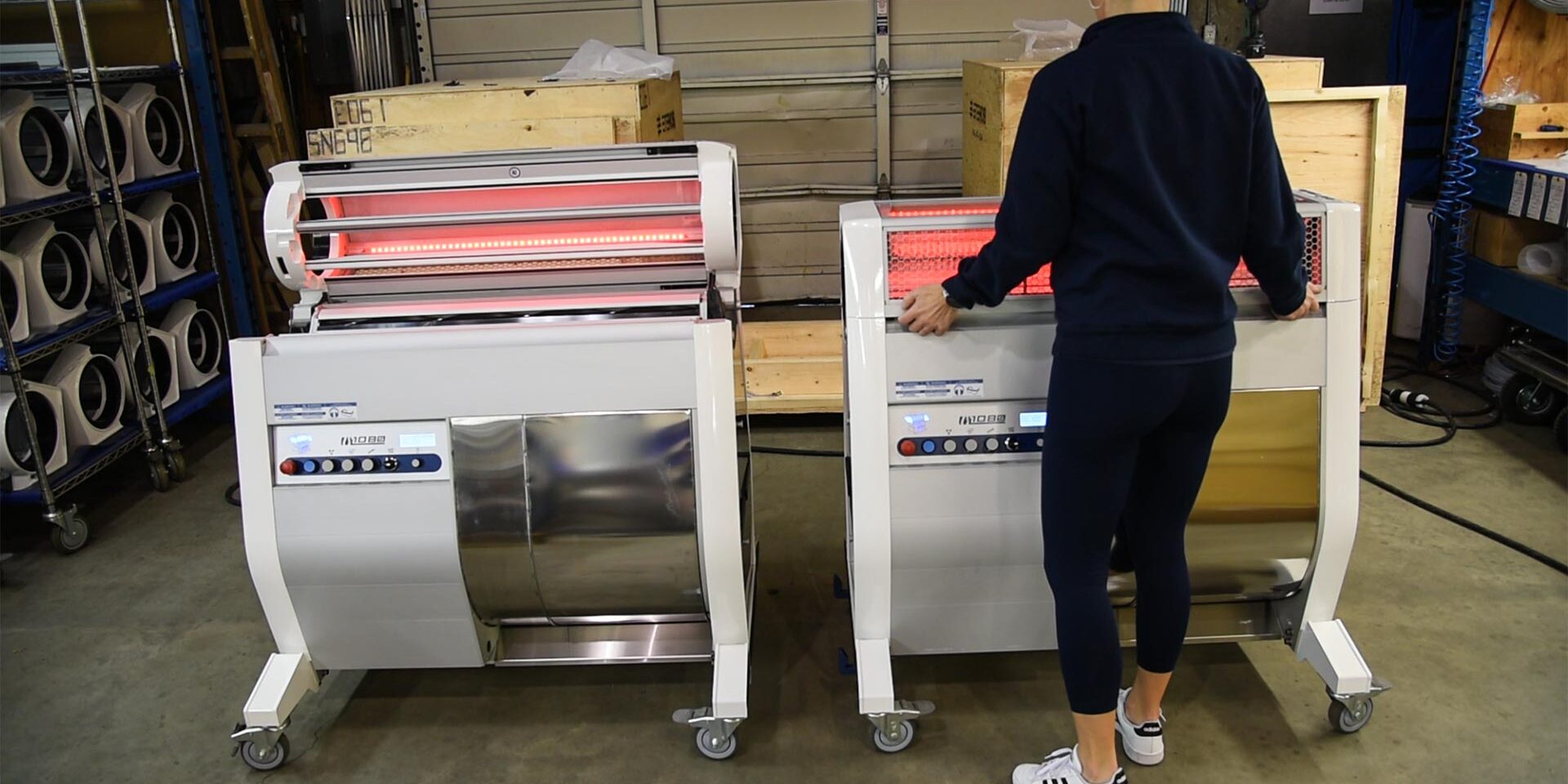
Make sure to open the lid to both M108S Trimmers.
04
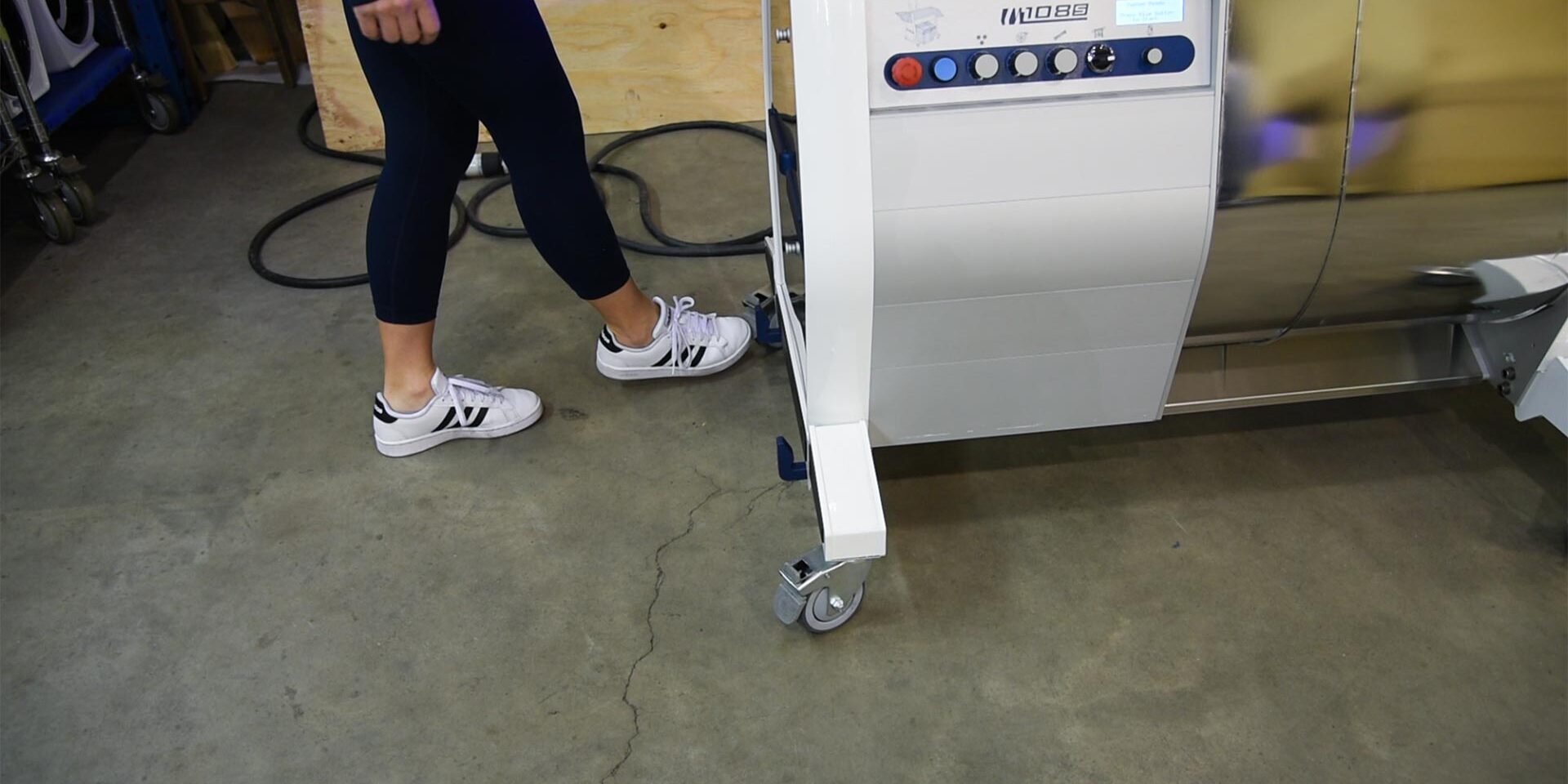
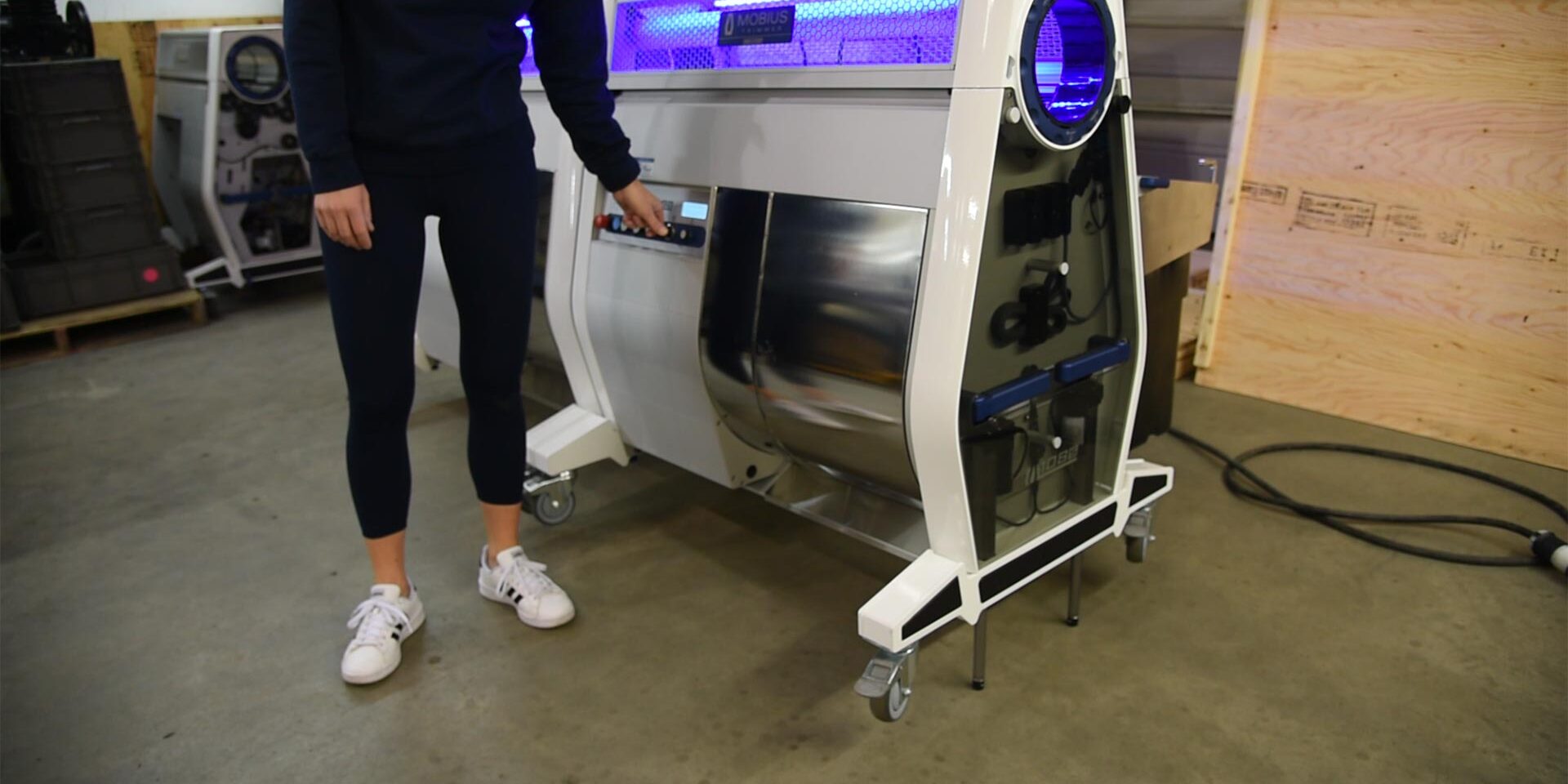
On the outfeed machine, lock the the two casters on the outfeed side of the machine. It is important to ensure that the machine is stable and does not move when you start to increase the tilt angle.
05
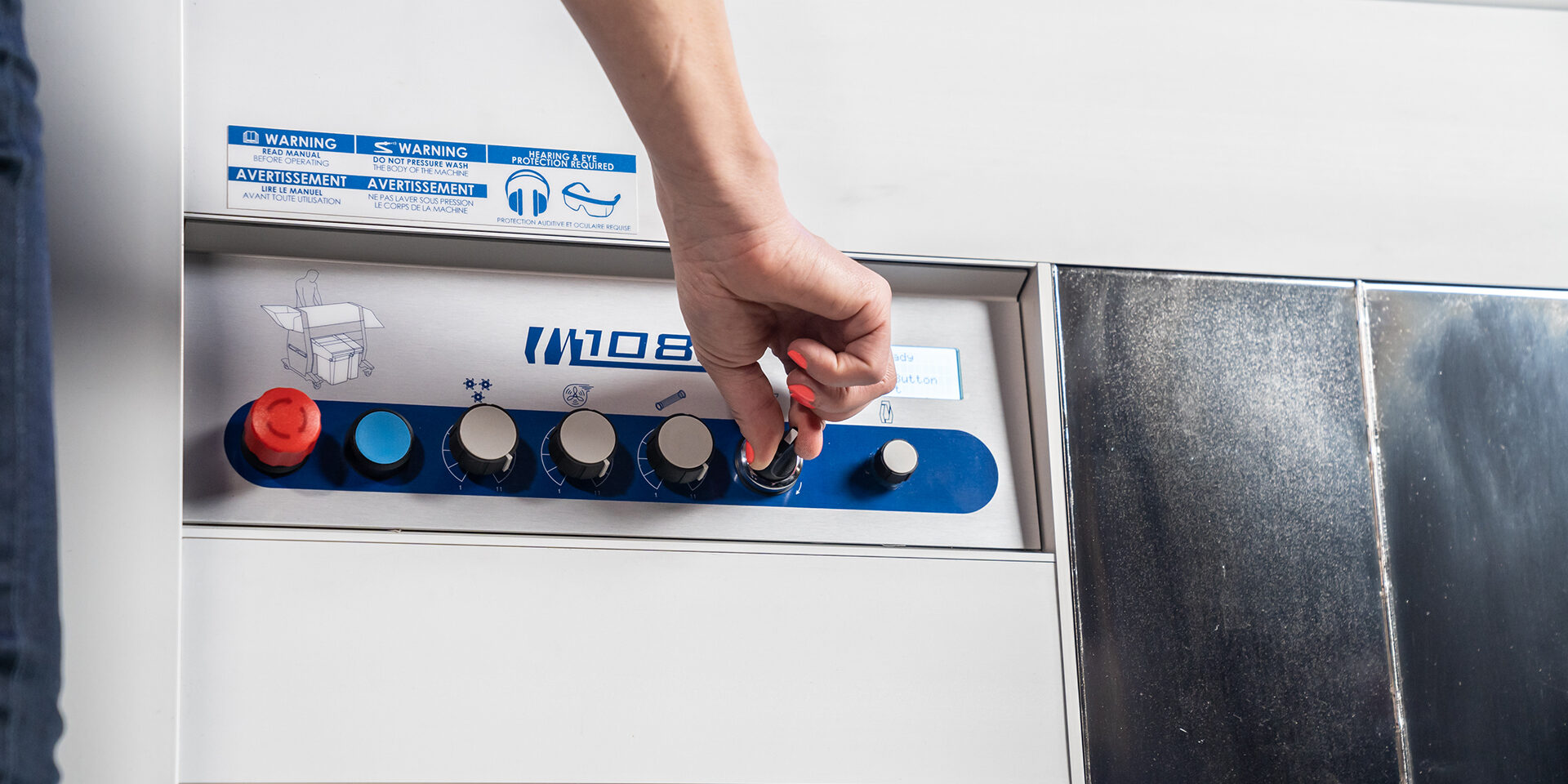
Initiate the tilt angle on the outfeed machine. The control is located on the control panel (knob closest to the LCD screen).
06
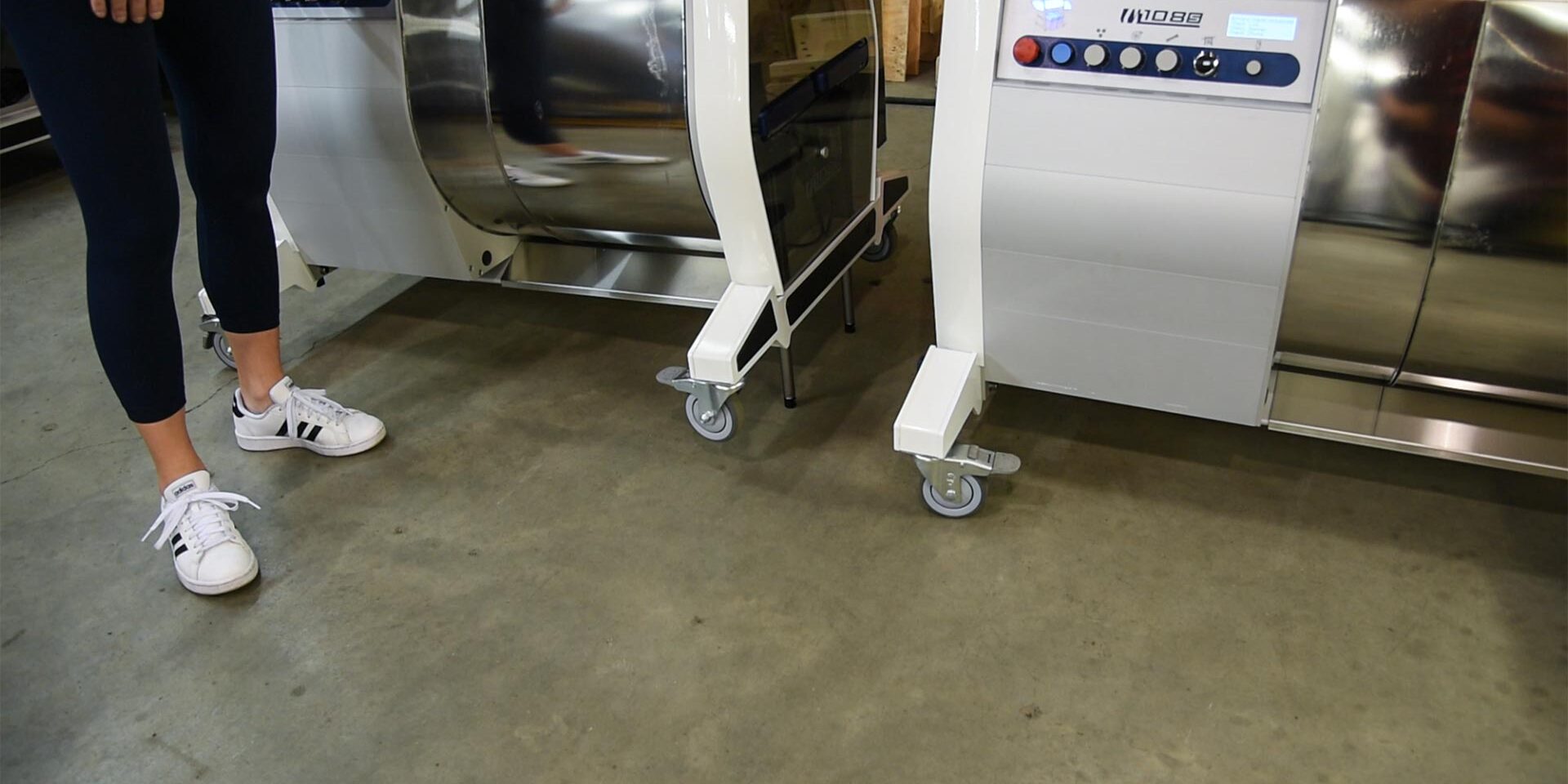
You will notice that the linear actuators will start to extend it's legs from the body of the outfeed machine.
07
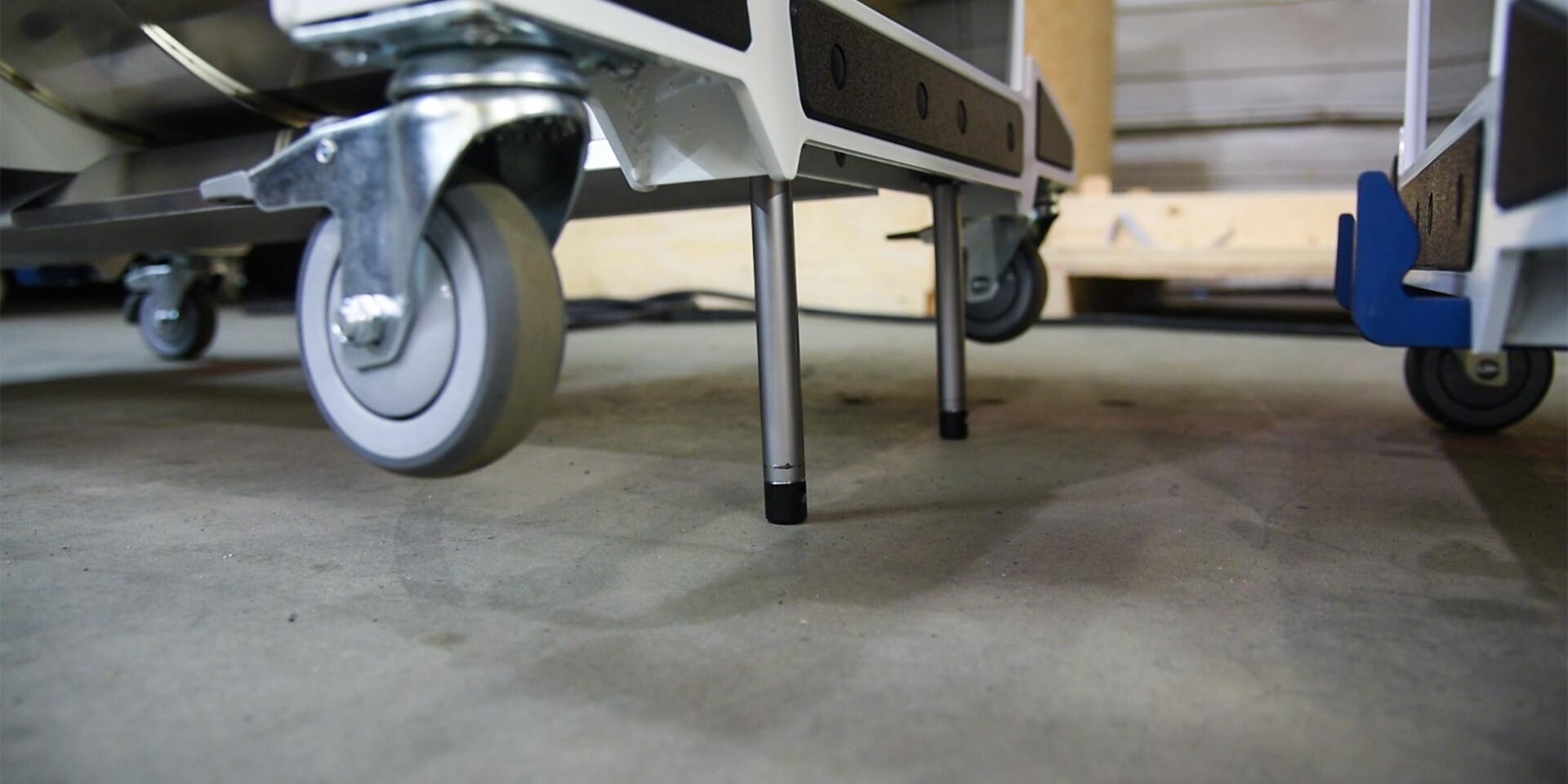
Make sure the tilt angle increases enough so that the hooks on the infeed machine can fit underneath the outfeed machine.
08
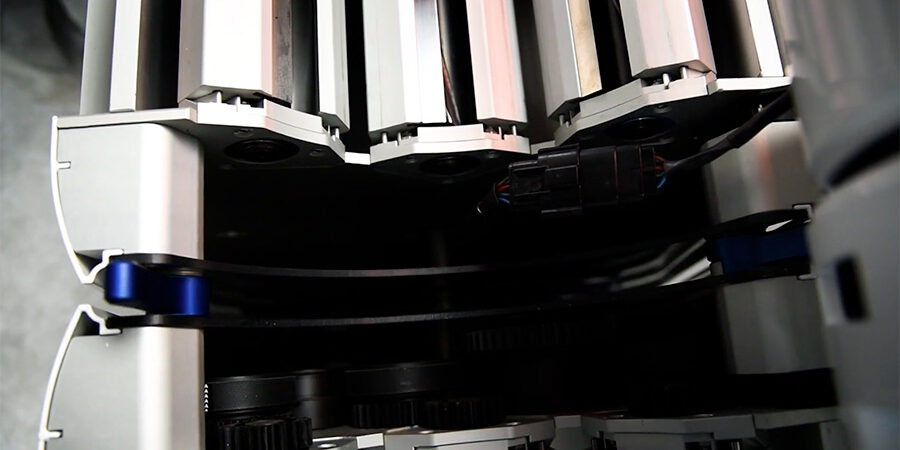
Lower the outfeed unit until it sits against the infeed unit.
09
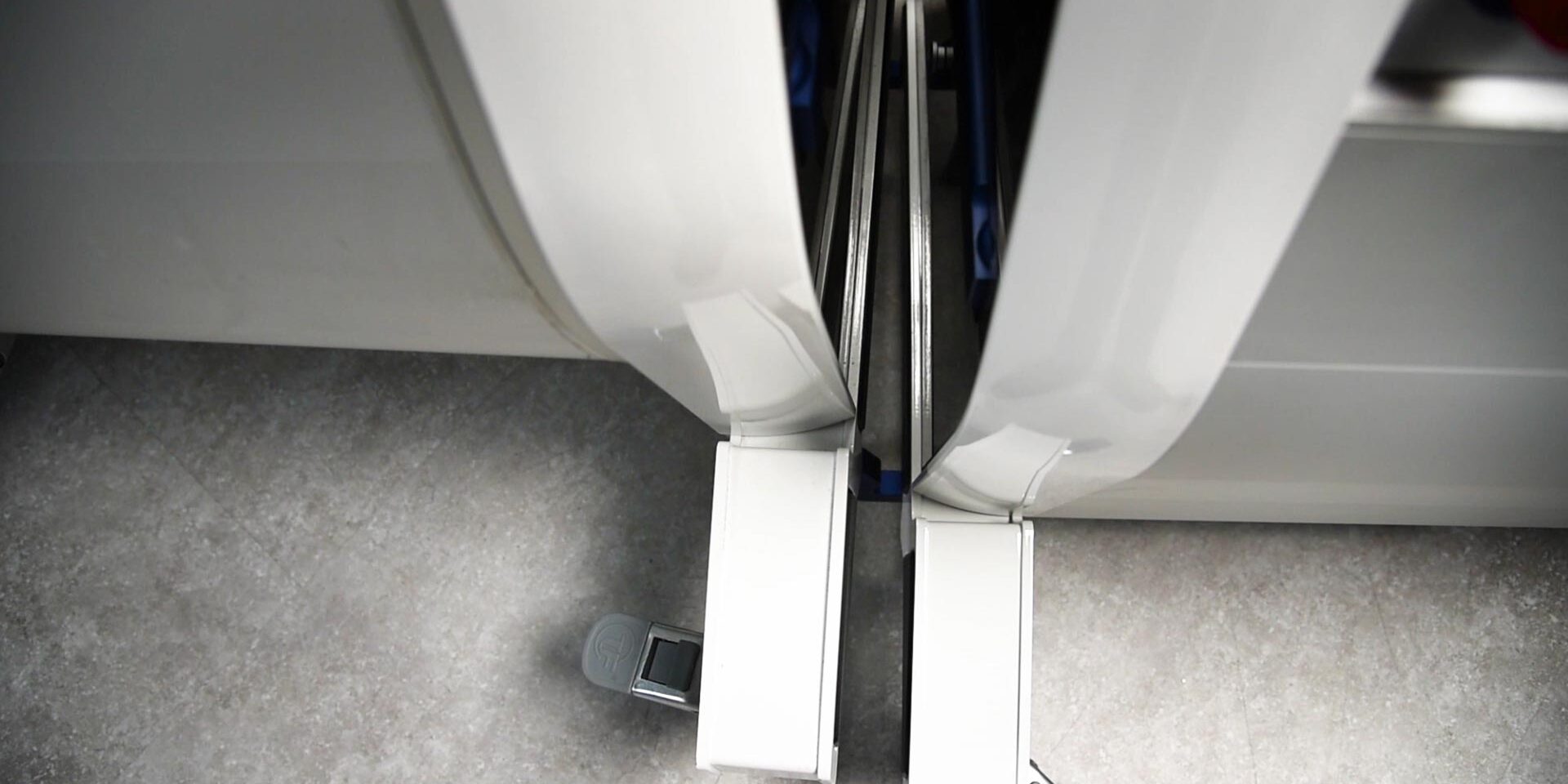
Now you can push the infeed machine into the outfeed machine. Make sure that the hooks on the infeed machine are completely underneath the outfeed machine.
10
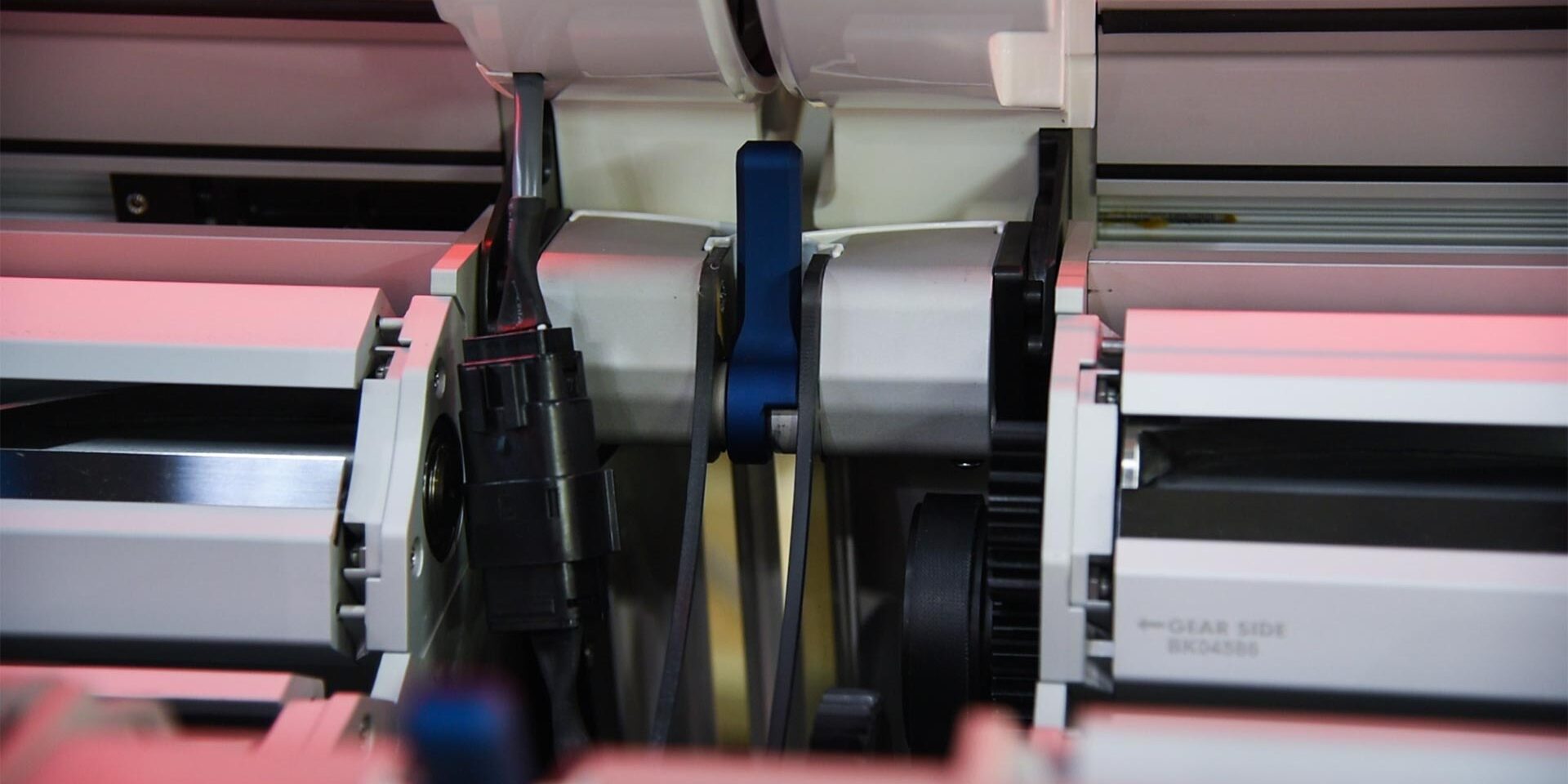
With the machines together, now you can decrease the tilt angle of the outfeed machine. Make sure that as you start to decrease the tilt angle, you the tandem locks fall right onto the sensors of the infeed machine.
*Note ensure that the casters are now locked on the infeed machine as you decrease the tilt angle on the outfeed machine.
11
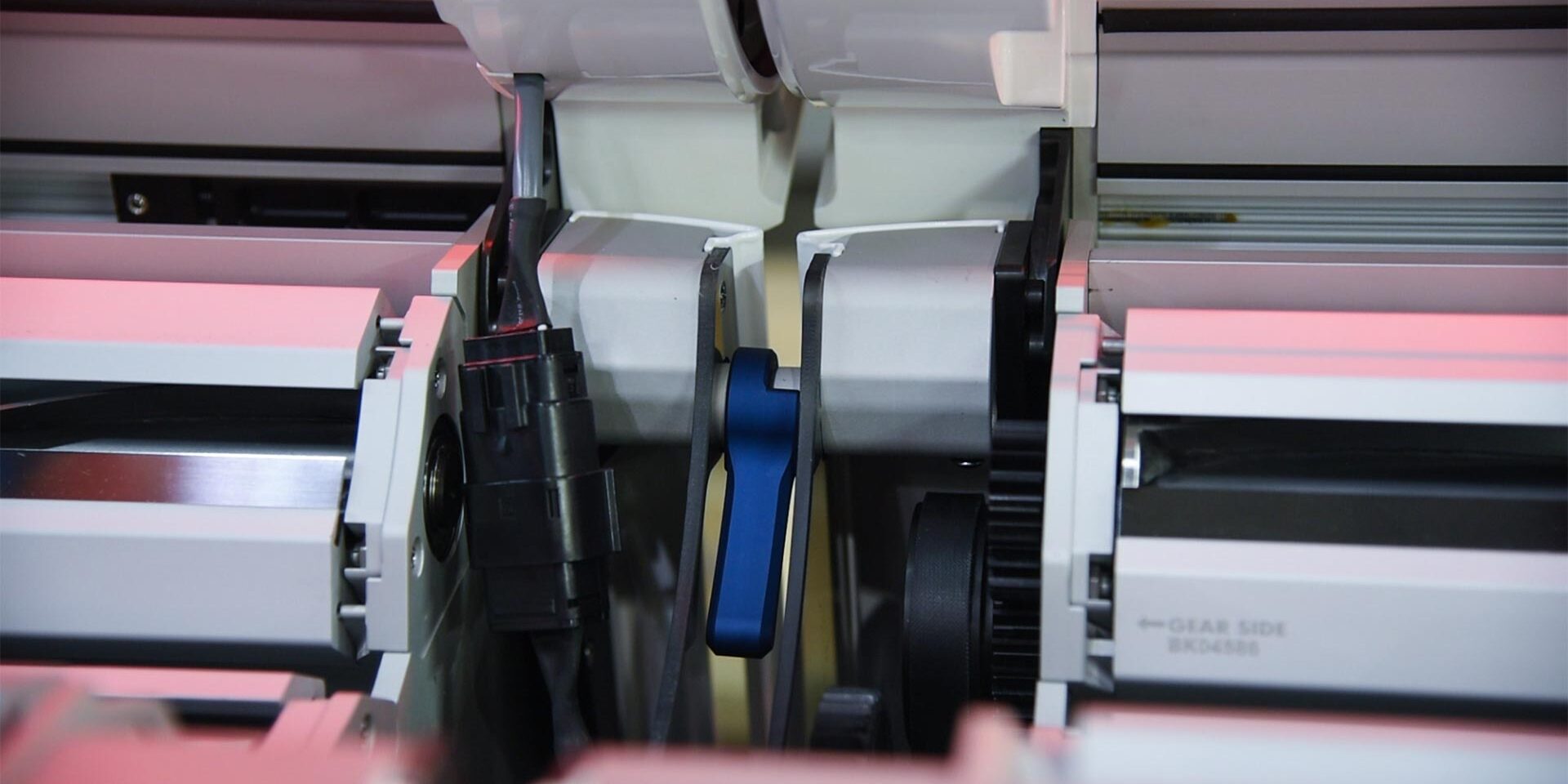
Now pull the handles in on both of the tandem locks to lock both machines together.
12
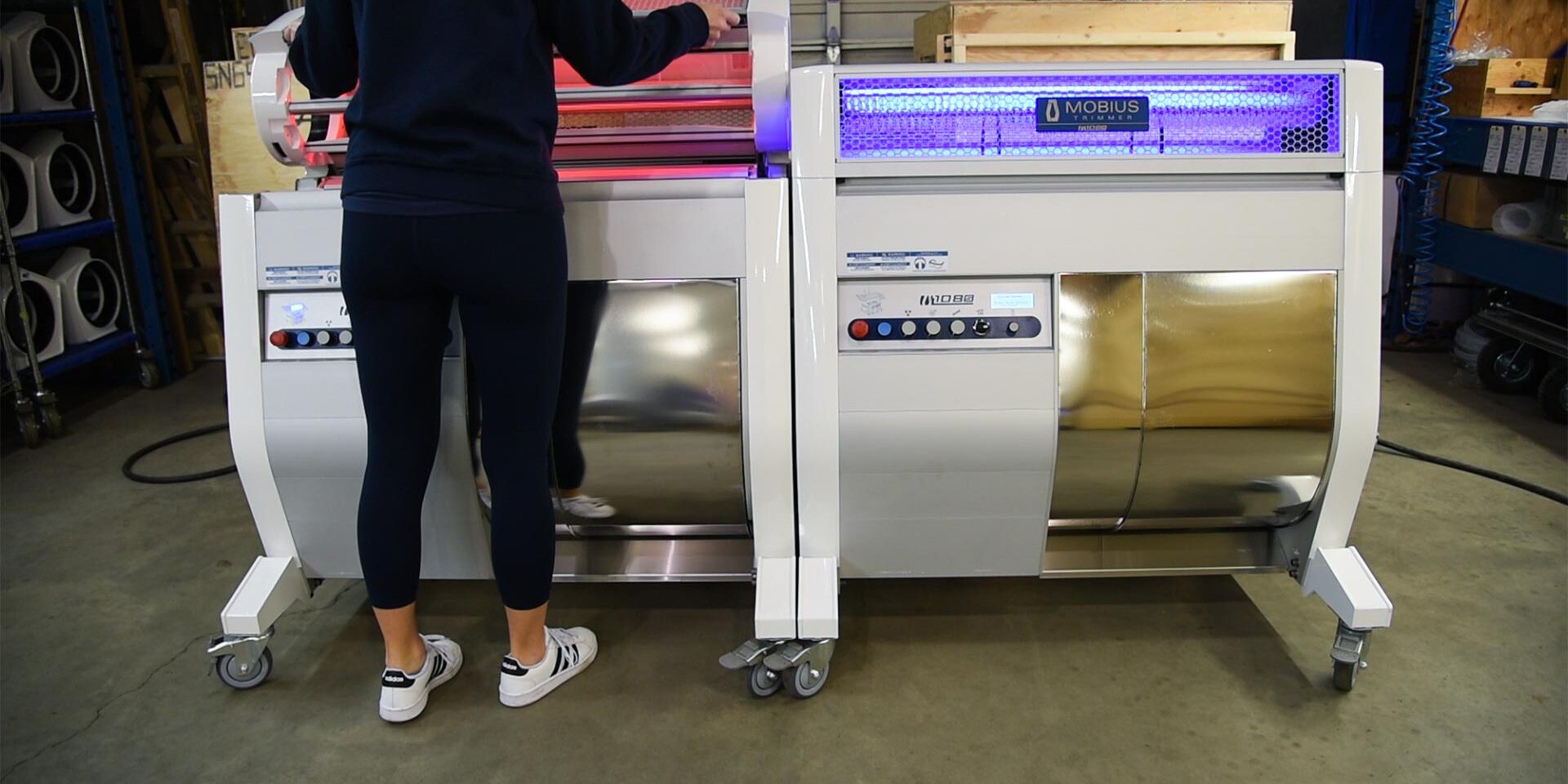
With the infeed and outfeed machines locked together now, you can shut the lids. As you close each lid you will notice that the light will switch from red to blue.
13
Go to the infeed machine and initiate the tilt angle of your tandem setup to your desirable tilt angle to start trimming.