MD48 Trimmer Uncrating
Mobius MD48 Dry Trimmer
Uncrating & Assembly
Removing the MD48 Trimmer from it's crate
01
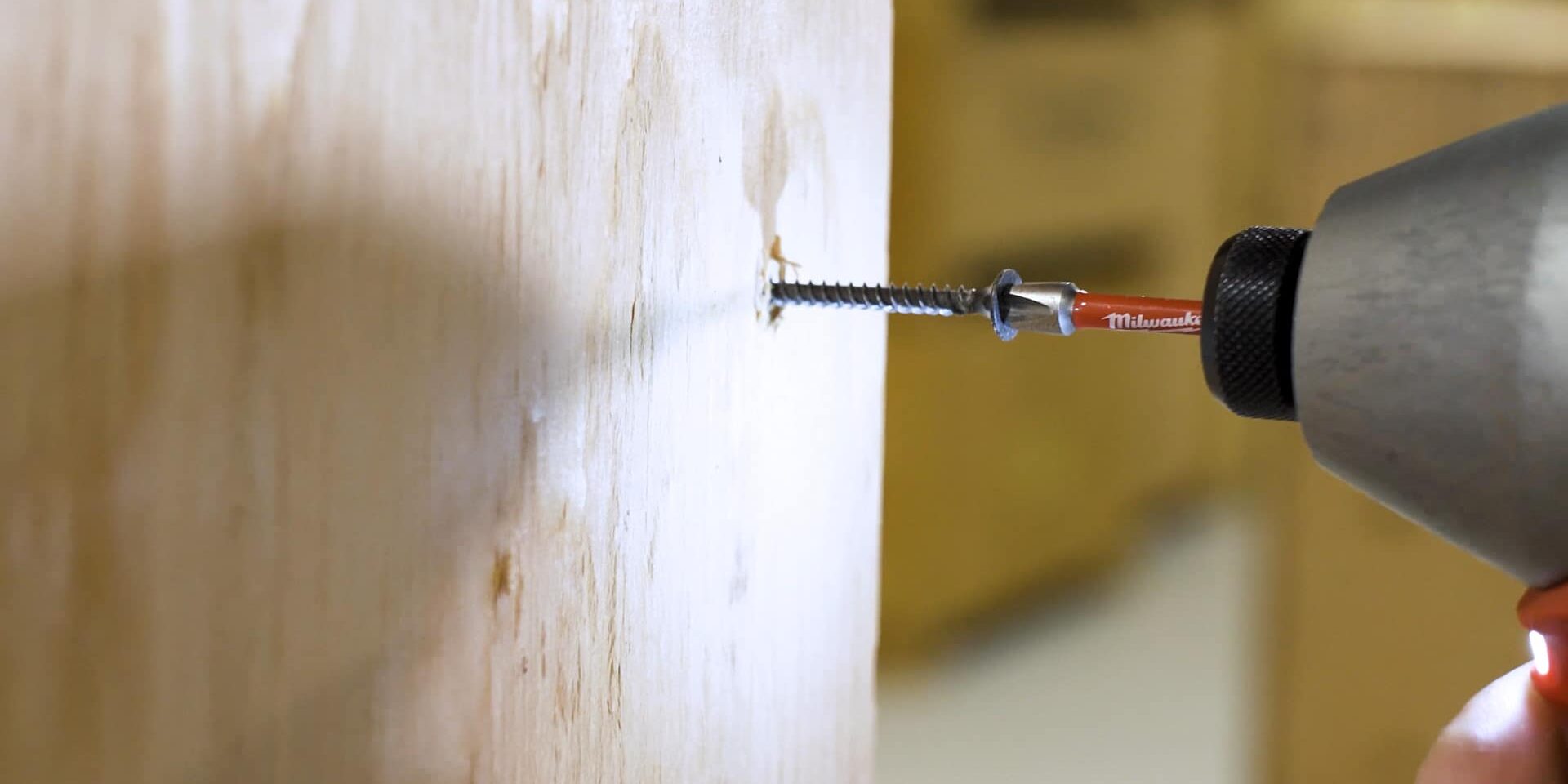
To uncrate the MD48, you’ll only need to remove one side panel. Orient your crate with the side labeled “OPEN THIS END” facing your working area. The only tool you’ll need for the next steps is a drill with a Philips head bit.
02
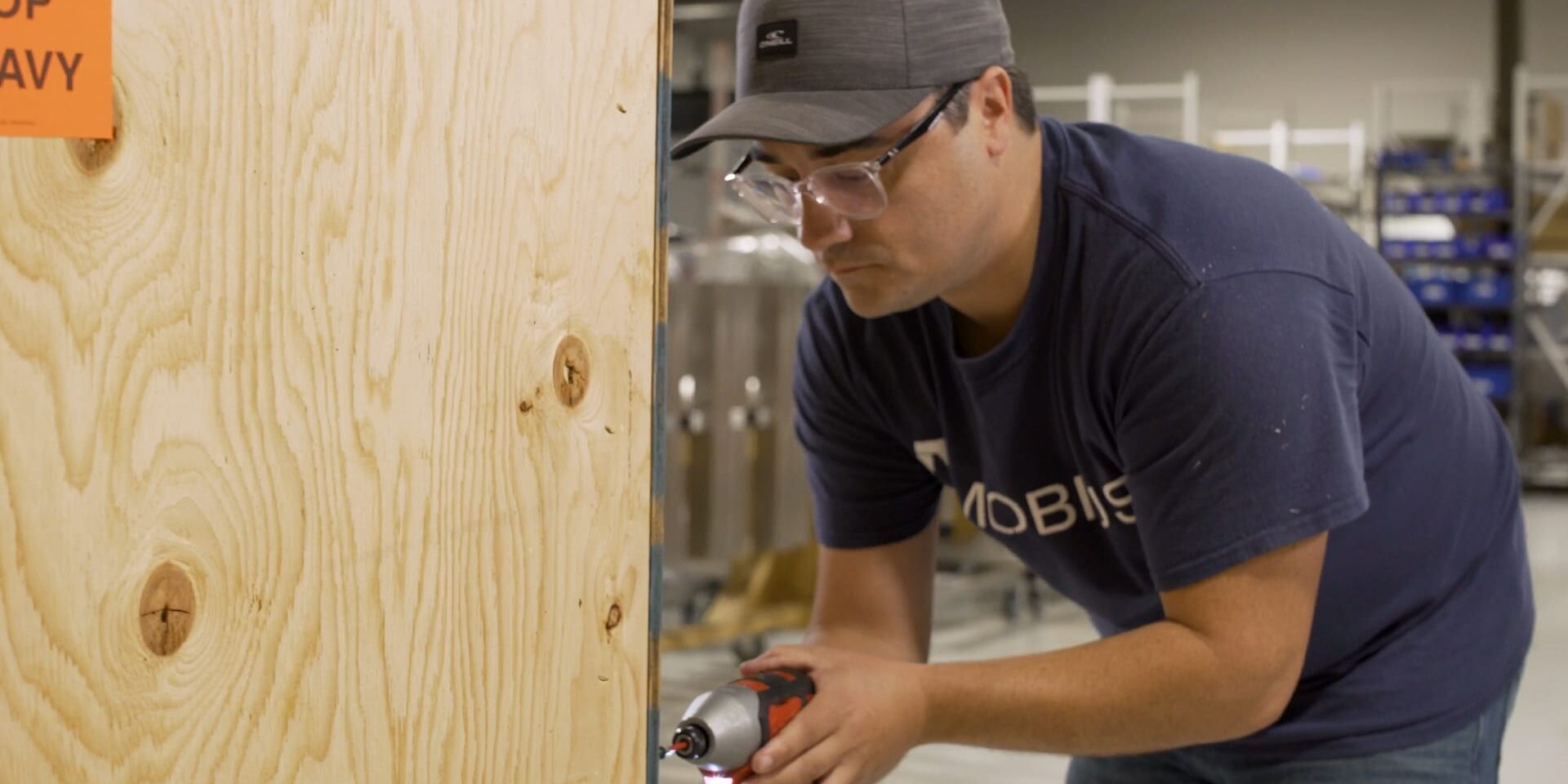
Remove the wood screws around the perimeter of the side panel and then finish up by removing the screw on the top panel that is securing the side panel in place. Set this aside for later use.
03
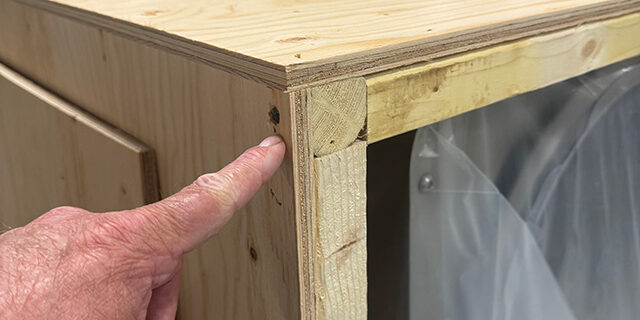
Remove the 2 x 2 that is at the top of the crate. It is fastened by one screw in each end and one in the center.
04
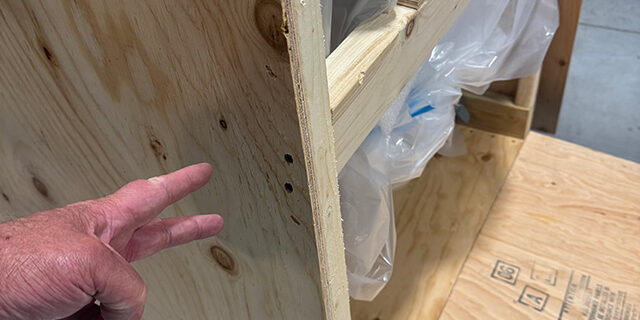
Next, remove the 2 x 4 that are securing the body
of the MD48 by removing the screws on the outside of the crate. There are two screws at the ends of each 2 x 4 that need to be removed.
05
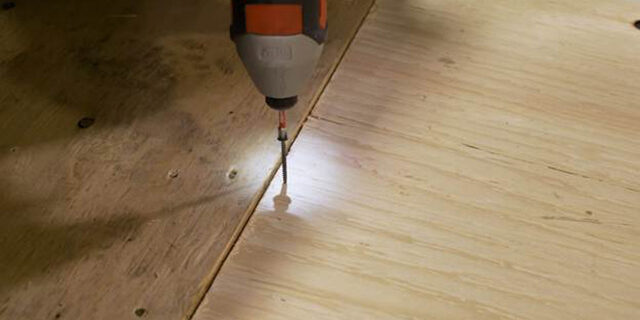
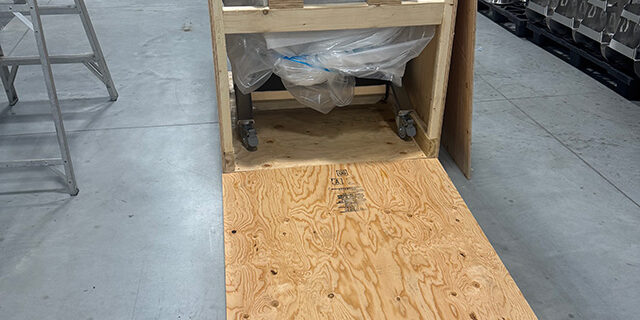
Now we are going to use the side panel as a ramp to roll the MD48 out of the crate. We recommend using one of the screws you have removed to secure the ramp into place.
06
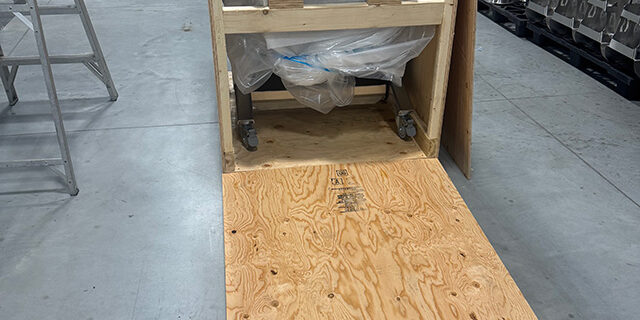
Now you can unlock the casters. Roll your new Mobius MD48 out of it’s shipping crate. Your Mobius MD48 is now ready to get to work.